 Vidova
Add captions
Lade ein Video hoch, in dem du sprichst. Vidova schreibt jedes Wort mit und blendet es passend zu deiner Stimme im gewählten Untertitelstil ein.
Dein Video*Ein Video, in dem du sprichst. Vidova lässt es unverändert und fügt die Untertitel hinzu.
Untertitelstil*Wähle einen Look. Die Vorschau zeigt ihn an einem Beispielvideo.
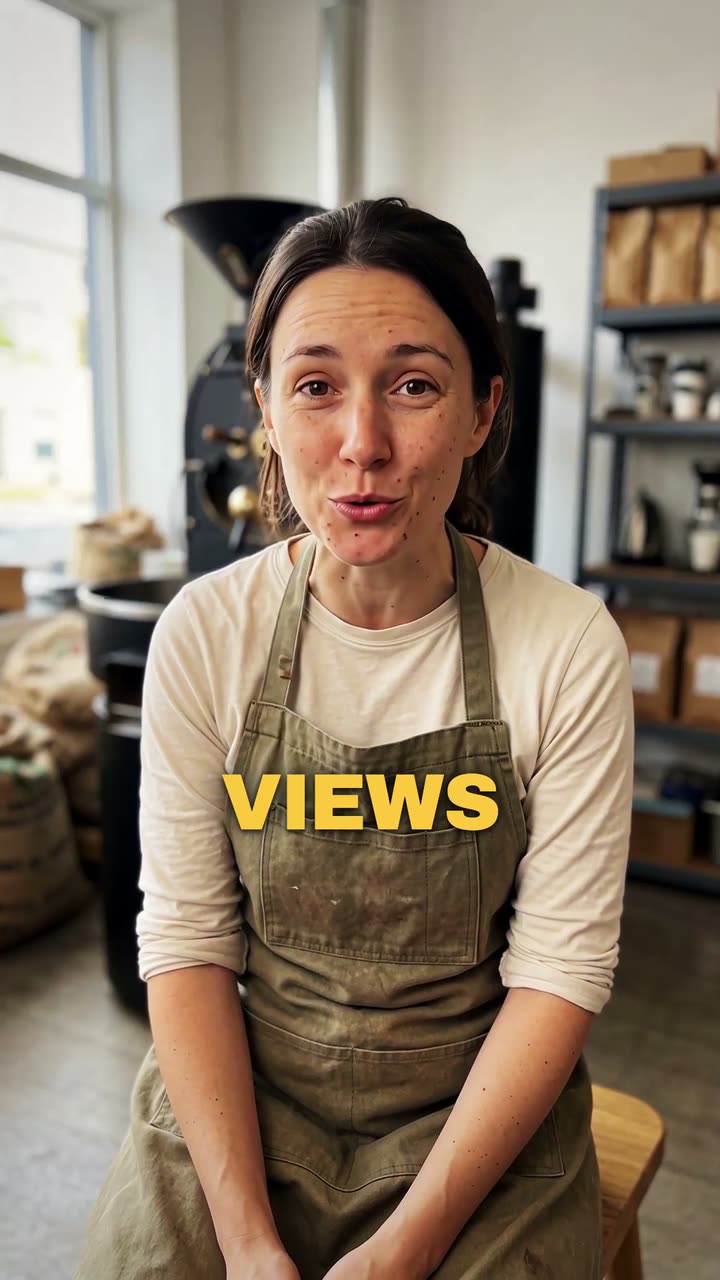
Das macht Vidova
Add captions to my talking-head video. Transcribe what I say and put every spoken word on screen in the order I say it, each word on its own time, in the caption style below. Keep my footage and my sound as they are. Keep the captions under my chin, never on my face, big enough to read on a phone and inside the social safe zone. Caption style: Punch. Import the punch-captions element and bind its segments to my video's transcript.