 Vidova
Add captions
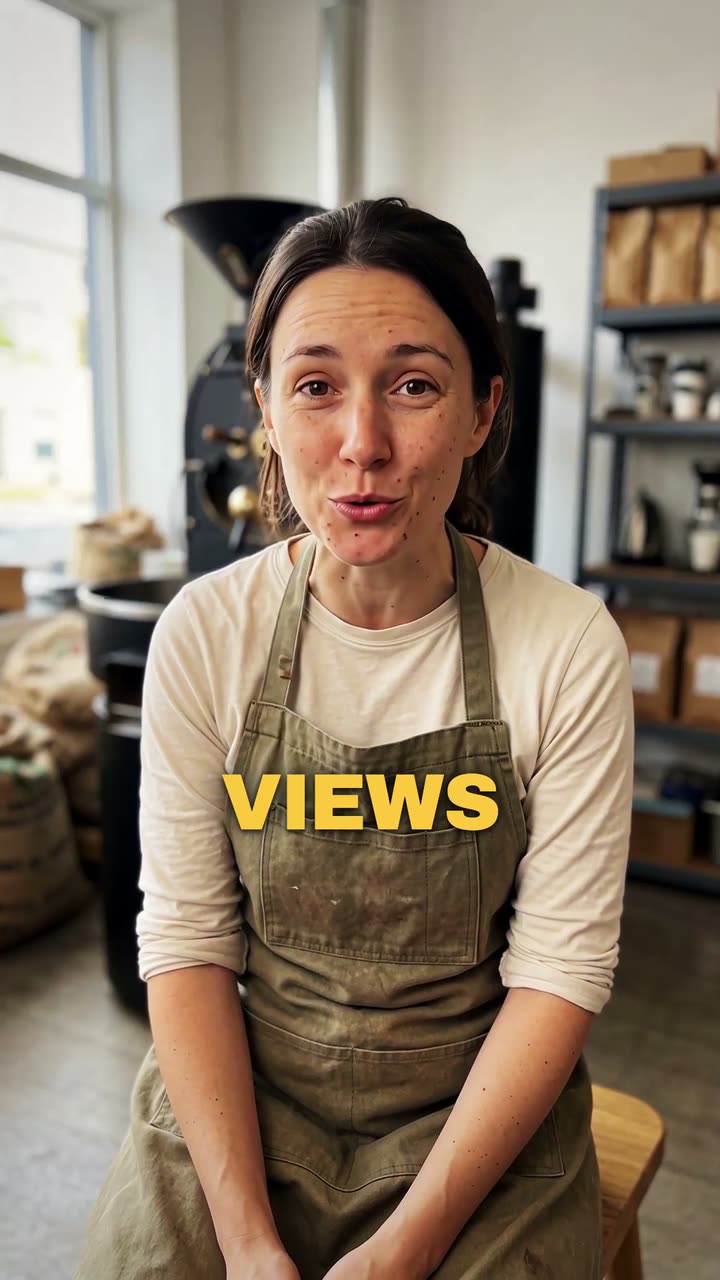
Carica un video in cui parli. Vidova trascrive ogni parola e la mostra sullo schermo a tempo con la tua voce, nello stile di sottotitoli che scegli.
Il tuo video*Un video in cui parli. Vidova lo lascia così com'è e aggiunge i sottotitoli.
Stile dei sottotitoli*Scegli uno stile. L'anteprima lo mostra su un video di esempio.
Cosa farà Vidova
Add captions to my talking-head video. Transcribe what I say and put every spoken word on screen in the order I say it, each word on its own time, in the caption style below. Keep my footage and my sound as they are. Keep the captions under my chin, never on my face, big enough to read on a phone and inside the social safe zone. Caption style: Punch. Import the punch-captions element and bind its segments to my video's transcript.