 Vidova
Add captions
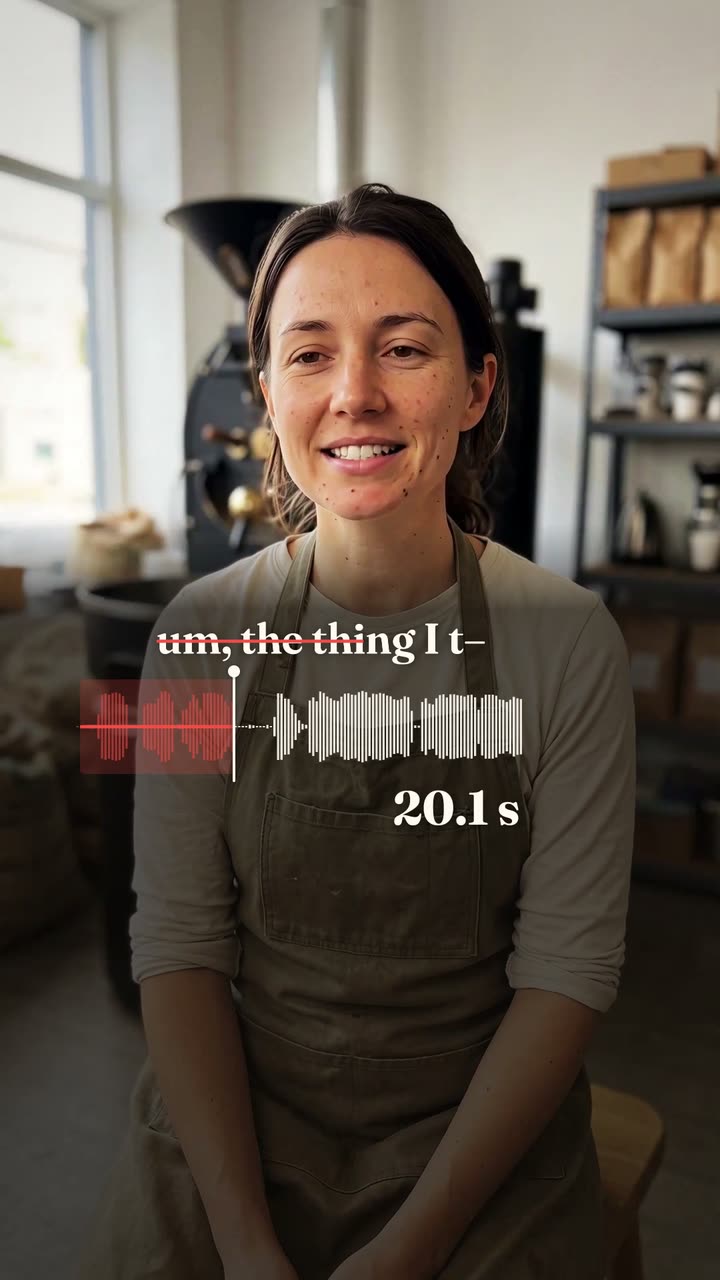
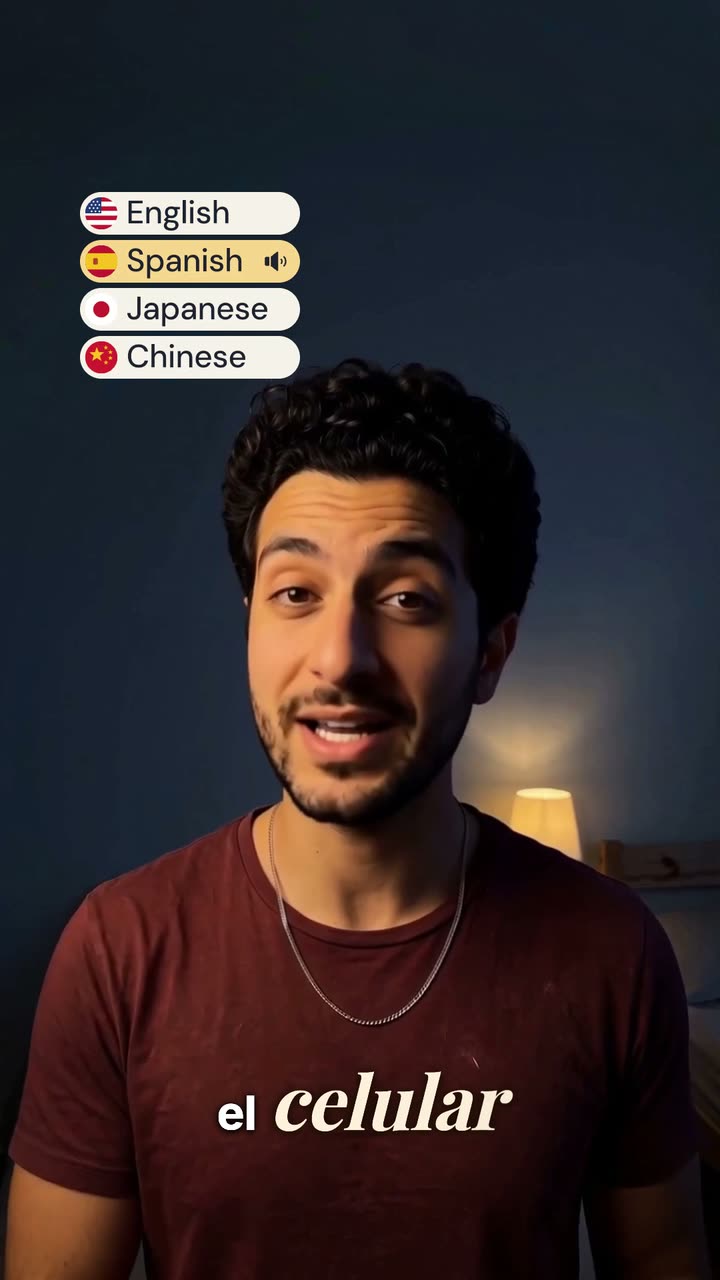
Sube un video en el que hablas. Vidova transcribe cada palabra y la muestra en pantalla al compás de tu voz, con el estilo de subtítulos que elijas.
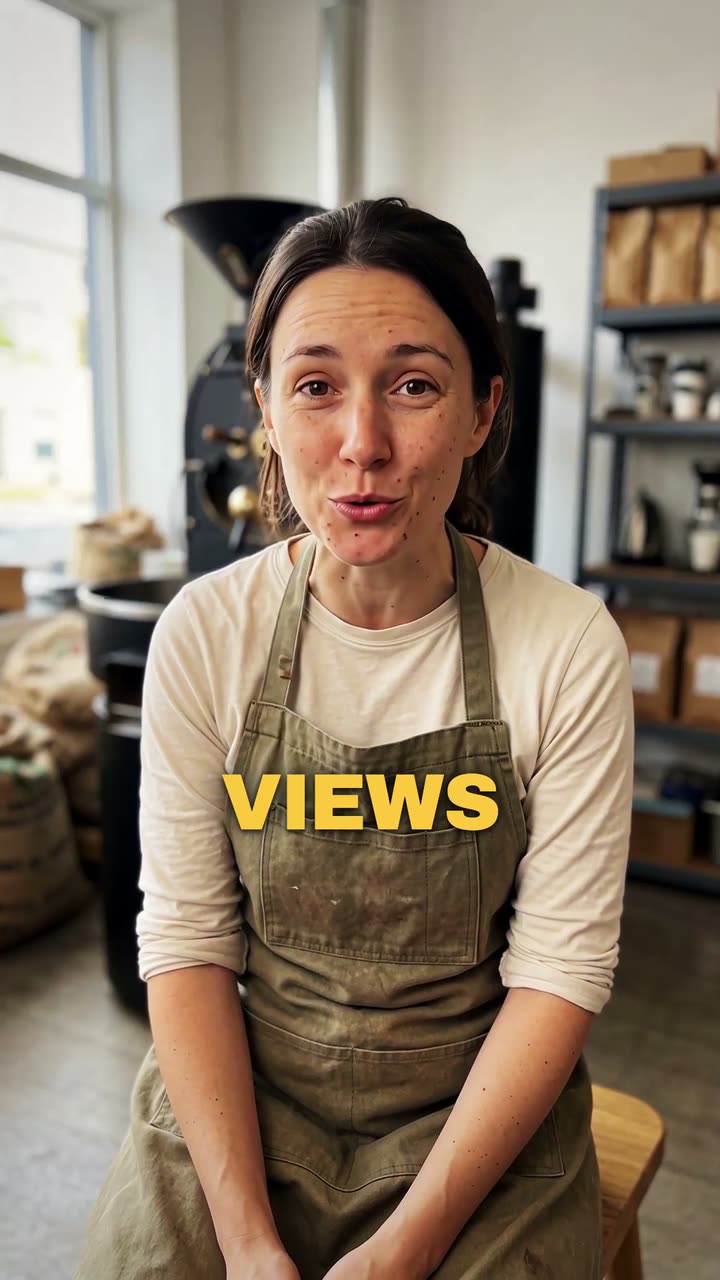
Tu video*Un video tuyo hablando. Vidova lo deja tal cual y añade los subtítulos.
Estilo de subtítulos*Elige un estilo. La vista previa lo muestra en un vídeo de ejemplo.
Lo que hará Vidova
Add captions to my talking-head video. Transcribe what I say and put every spoken word on screen in the order I say it, each word on its own time, in the caption style below. Keep my footage and my sound as they are. Keep the captions under my chin, never on my face, big enough to read on a phone and inside the social safe zone. Caption style: Punch. Import the punch-captions element and bind its segments to my video's transcript.