 Vidova
Add captions
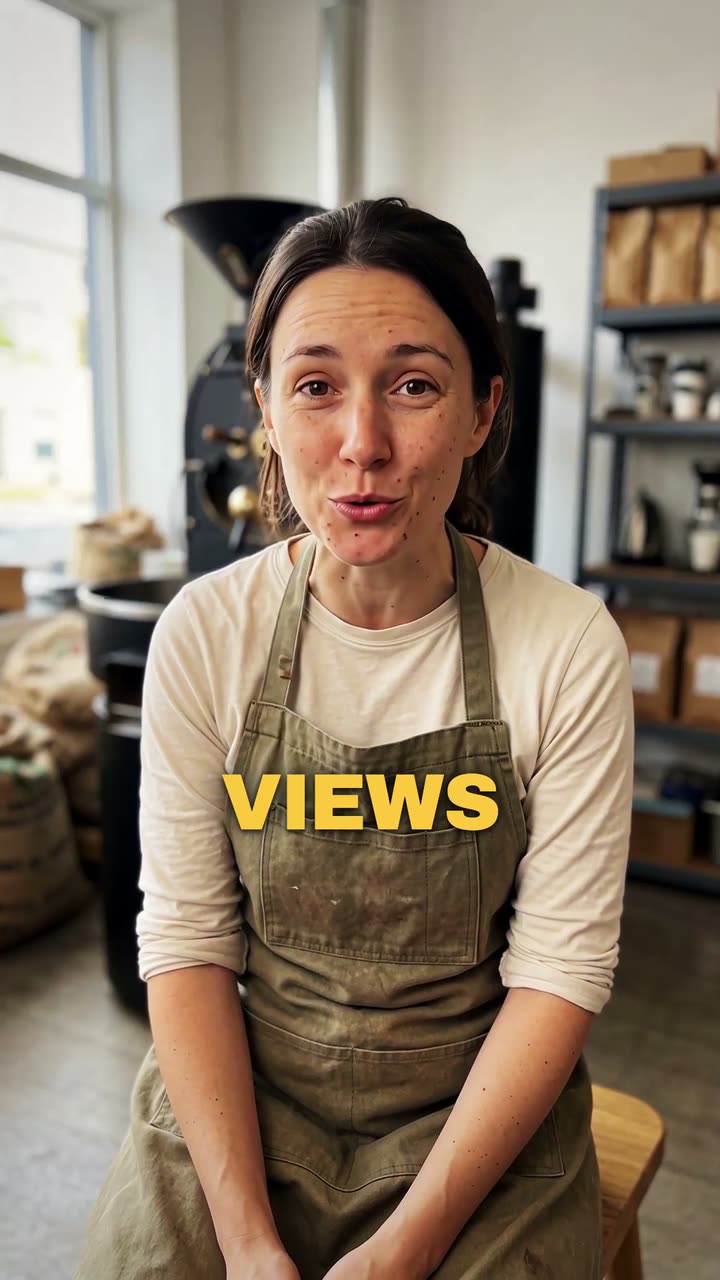
Unggah video Anda sedang berbicara. Vidova menuliskan setiap kata dan menampilkannya di layar selaras dengan suara Anda, dalam gaya teks yang Anda pilih.
Video Anda*Video Anda sedang berbicara. Vidova membiarkannya apa adanya dan menambahkan teks.
Gaya takarir*Pilih tampilan. Pratinjau menampilkannya pada video contoh.
Yang akan dilakukan Vidova
Add captions to my talking-head video. Transcribe what I say and put every spoken word on screen in the order I say it, each word on its own time, in the caption style below. Keep my footage and my sound as they are. Keep the captions under my chin, never on my face, big enough to read on a phone and inside the social safe zone. Caption style: Punch. Import the punch-captions element and bind its segments to my video's transcript.