Vidova
How to make a real estate listing video with AI for the MLS, Zillow and Instagram
Make one listing video in two versions: an unbranded tour for the MLS and a branded Reel for Instagram and Facebook. What to film, the MLS rules and the steps in Vidova.
 Vidova team
Last updated
The short answer
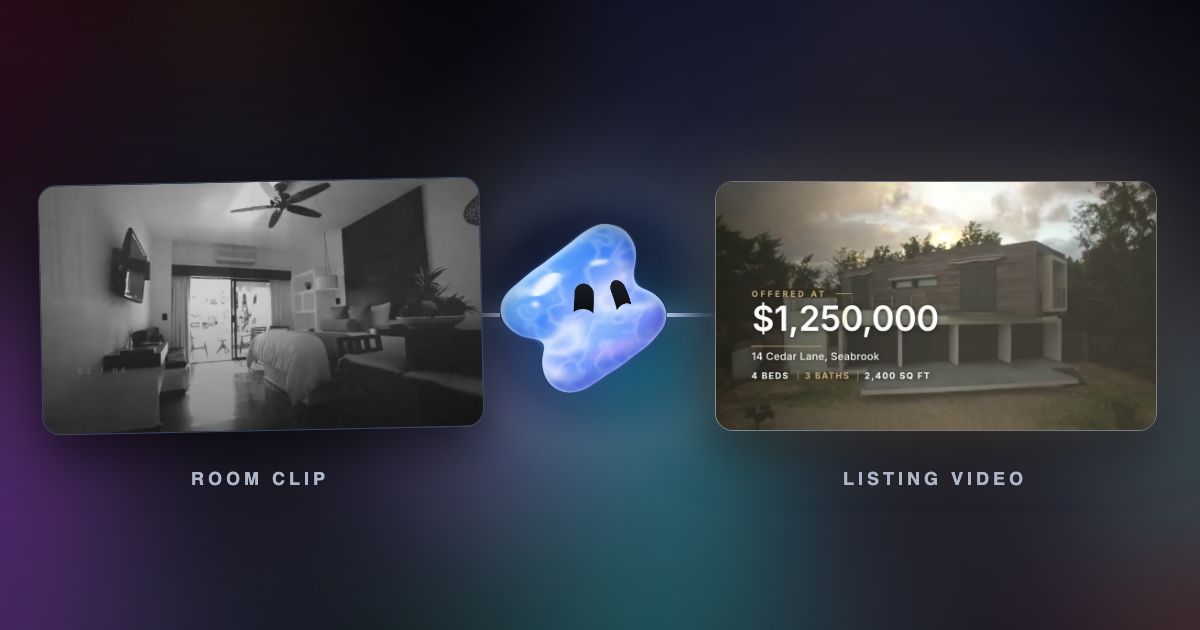
To make a listing video with AI, film the home room by room, upload the clips and photos, and describe the listing: the address, the price, the beds and baths and the best feature. Vidova's AI agent cuts a 16:9 tour and a 9:16 Reel from them on a timeline you can change. Make two versions of the tour. Many MLSs want an unbranded tour with no agent name, logo or phone number. The branded version goes on Instagram, Facebook, YouTube and your own website.
Key takeaways
- Make an unbranded tour for the MLS and a branded tour and Reel for social media and your website, all from one project.
- MLS rules differ. Read your MLS's media rules before you upload, and keep names, logos, phone numbers and web addresses out of the unbranded tour unless your MLS allows them.
- Describe the home, not the buyer, and use only facts that are true for the listing. The agent uses the facts you give it and does not add its own.
One listing, three videos
A listing goes to more places than one video can fit. The MLS often has its own field for a virtual tour, with rules about branding. Instagram and Facebook want a short vertical video. Your website and YouTube take a full tour with your name on it. Make all three from the same clips.
| Video | Where it goes | What it shows | Shape and length |
|---|---|---|---|
| Unbranded tour | The virtual tour field of your MLS | The home only: the outside, the rooms, the area and the listing facts. No agent name, brokerage logo, phone number or website unless your MLS allows them | 16:9, 1 to 4 minutes |
| Branded tour | Your website, YouTube and the listing pages you control | The same tour with your name, brokerage, photo and how to book a showing on the end card | 16:9, 1 to 4 minutes |
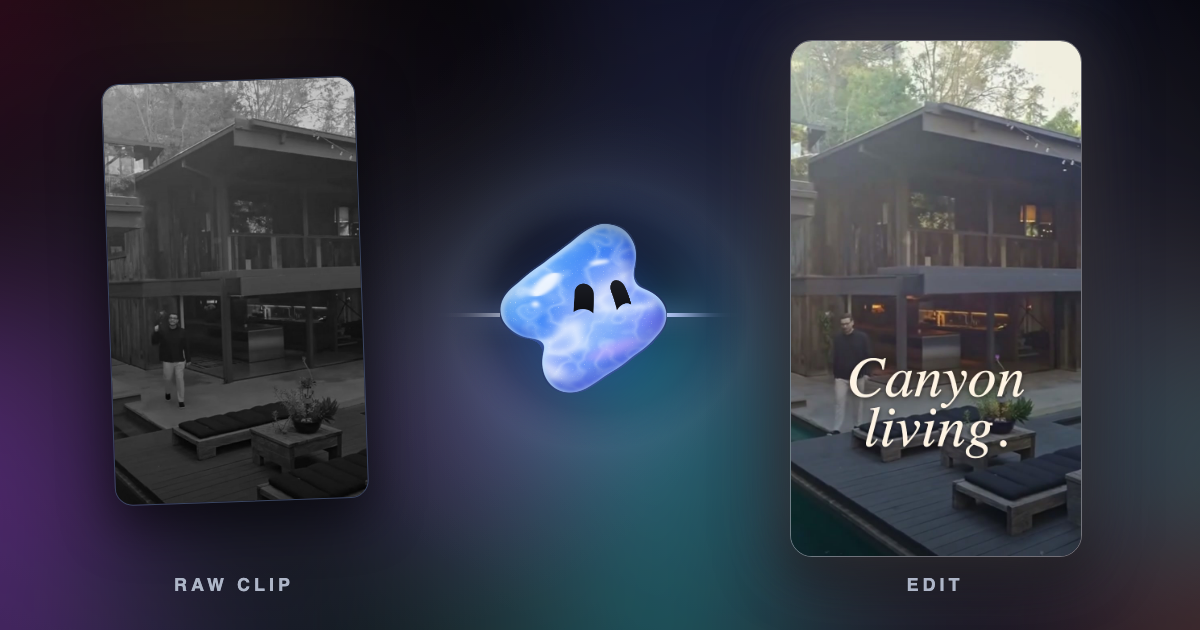
| Reel | Instagram Reels, Facebook Reels, TikTok and YouTube Shorts | The best 20 to 45 seconds, with the price or the area as the hook and your face and name | 9:16, 20 to 45 seconds |
For more on the short version, see our real estate agent reel ideas and listing videos that get views.
What MLS rules say about listing videos
Each MLS writes its own rules, so there is no single answer. Many MLSs keep the virtual tour field unbranded: the video must not lead a buyer back to the listing agent or brokerage. Others have changed their rules. Canopy MLS, for example, says that since August 1, 2024 a virtual tour with the listing brokerage's or agent's contact information is not a violation.
- Read the media or photo rules of your MLS before you upload. Search its help center for "virtual tour" or "branding".
- If the rules ask for an unbranded tour, remove your name, logo, phone number, email, website, yard signs with your name and any spoken line that names you.
- Keep a second, branded version for every place where branding is allowed.
- Many MLSs send the listing's virtual tour link on to other sites with the listing. Ask your MLS which sites get it.
Zillow and Realtor.com show listing media in their own way. Zillow also has video options for some agent accounts, such as Showcase listings. Check your Zillow or Realtor.com agent account to see which video options you have.
What to film for a listing video
- Film in the order a buyer walks: the street, the front door, the main living space, the kitchen, the primary bedroom, the bathrooms and the yard.
- Hold each camera move for 5 to 8 seconds. Walk slowly with a gimbal, or move the phone in one smooth line. Keep the camera level.
- Film in daylight with the blinds open and every lamp on.
- Film horizontal at 4K if you can. Vidova's agent reframes a 16:9 cut to 9:16 for the Reel by following the subject of each shot.
- Film at 60 fps for the moves you want in slow motion.
- Clear the rooms. Put away family photos, mail, medicine and anything with a name on it. Vidova can also cover private details that stay in a shot, such as cards, labels and screens, and the license plates of cars in the street.
- Drone shots: in the US, a flight for business usually needs an FAA Remote Pilot Certificate under Part 107. Hire a certified pilot if you do not have one.
Make the listing video in Vidova, step by step
- Open Vidova in your browser and start a project. Upload the clips and photos of the home.
- Write the brief: the address, the price, beds, baths and square feet, the best feature, the order of the rooms, the length and the shapes you need.
- The agent reads each clip, keeps the best part of each camera move and builds the tour on a real timeline, with each room's name and one fact on screen. It can start from Vidova's Real estate listing template: the price, the address and the size over the first room, each room's name and one fact, and an end card with the agent and how to book a visit.
- Before it reports back, the agent previews frames of its own cut and runs a quality check.
- Ask for changes in plain words: a different first room, slower music, a shorter kitchen.
- Ask for the unbranded version. Vidova keeps alternate edits in one project, so the branded tour stays as it is. See versions and undo.
- Ask for the 9:16 Reel from the same project, then export each video as an MP4.
Make a 2-minute 16:9 listing tour for 418 Maple Street from these clips and photos. Open on the front of the house with the address. Then the price $649,000 with 4 beds, 3 baths and 2,350 sq ft. Show the rooms in this order: living room, kitchen, primary bedroom, bathrooms, backyard. Put each room's name and one fact on screen. Calm music. End on my name, Dana Reyes, my brokerage and "Book a showing".
Now make two more versions. First, an unbranded copy of the tour for the MLS: remove my name, brokerage, phone number and the end card, and end on the address. Second, a 30-second 9:16 Reel for Instagram: open on the backyard with "$649,000 · 4 beds", cut on the beat, captions on my voice, and end on my name.
Both briefs are examples. Use only facts that are true for your listing.
A listing video from photos only
If you have only the listing photos, you can still make a clean video. Each photo gets a slow push or pan, one line of text and music. Vidova's free photo to video maker does this in the browser, and the agent does it inside a full edit.
AI motion that turns a still photo into a moving shot is generated. It can add or change detail that is not in the home. For a listing, write "use only my photos, no generated footage" in the brief, or check every generated shot against the photo before you post it.
Fair housing, accuracy and music
- Describe the property, not the buyer. The National Association of REALTORS advises agents to focus ads on the home and its features, not on who should live there. This applies to the words on screen and to your voiceover.
- Keep every fact the same as the listing: the price, the size, the rooms and the address.
- Use music you have the rights to. Sound recordings belong to their owners. You can also ask Vidova to make an original track for the video.
Questions agents ask about listing videos
How long should a real estate listing video be? A full tour for the MLS, YouTube or your website runs 1 to 4 minutes. A Reel for Instagram, Facebook or TikTok runs 20 to 45 seconds.
Can I put my name and logo in the MLS video? It depends on your MLS. Many MLSs want the virtual tour field unbranded, and some now allow contact information. Read your MLS's media rules, and keep a branded version for everywhere else.
How do I add a video to my Zillow listing? Your MLS may send the virtual tour link to Zillow with the listing. Some Zillow agent accounts can also add video directly. Check your Zillow agent account or ask your MLS.
Can AI make a listing video from photos? Yes. A slow move on each photo with one line of text makes a clean video. Generated motion can change what the home looks like, so check it before you post.
What size should a real estate Reel be? 1080 × 1920 pixels in 9:16. See our guide to video sizes for Reels, TikTok and Shorts.
Can I make a listing video on my phone? Vidova runs in the browser, on a phone too, and you can send clips to the Vidova bot in Telegram. There is no iPhone or Android app yet. You can also run Vidova from ChatGPT.
How much does it cost? Every plan starts with a 7-day free trial with no watermark. Paid plans start at $29 a month. See pricing.