Vidova
How to make an end-of-season team highlight video with AI
Make a season highlight video for the team banquet or awards night from parents' clips and photos: collect the footage, give every player a moment, and edit it in Vidova.
 Vidova team
Last updated
The short answer
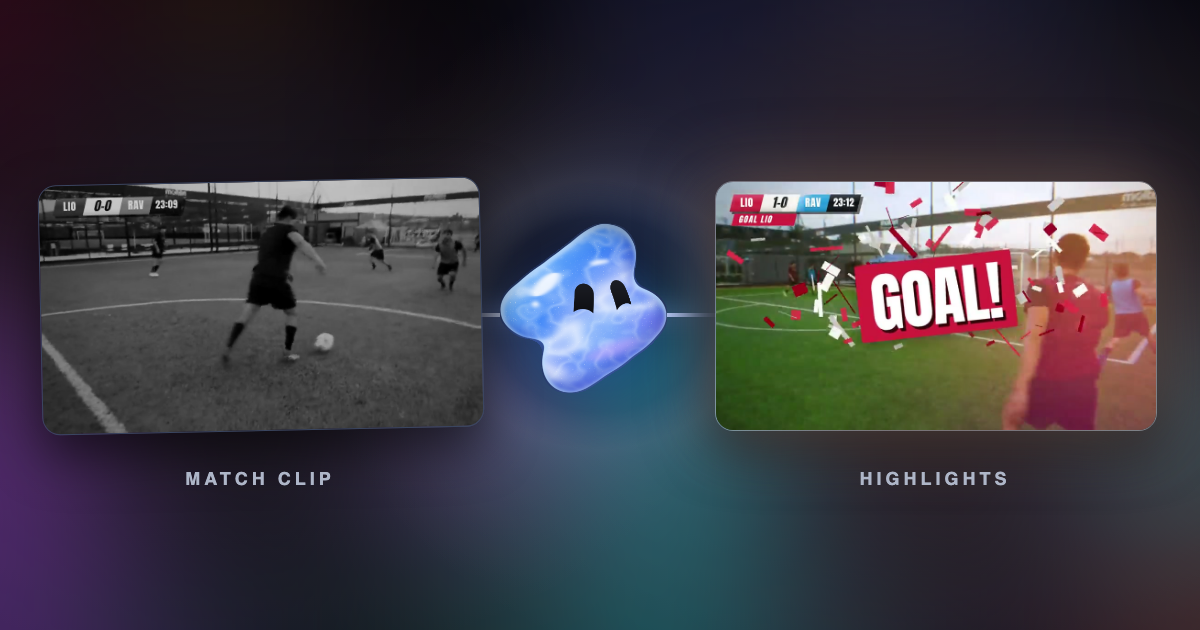
A good season video shows every player at least once, follows the season from the first game to the last, and runs 3 to 5 minutes for the banquet screen. Collect clips and photos from parents in one place, write down each player's name and number, and pick music you have the rights to. In Vidova you upload the footage and describe the season. The AI agent finds the plays, cuts them on the beat and adds names, scores and a closing team photo, on a timeline you can change.
Key takeaways
- Every player gets at least one moment. Keep a roster list and tick each name off.
- Start collecting clips weeks before the banquet, and ask parents for the original files.
- Check your club, school or league media policy before you post a video of young players in public.
Plan the video before the last game
In the US, the season video usually plays at the team banquet. In the UK and Australia, clubs show it at the end-of-season presentation or awards night. Either way, it is the moment players and parents remember. Pick one person to collect the footage and make the video, and start a few weeks before the night.
- Length: 3 to 5 minutes for the banquet screen. Make a 30 to 60 second vertical version for Instagram and the team group chat.
- Shape: 16:9 for a projector or TV. Parents often film vertical, and Vidova can place vertical clips in a 16:9 frame.
- Story: the first game, the season in order, the big wins and the hard losses, the seniors or leavers, and the team photo at the end.
Collect clips from parents
- Ask for the original files. Videos sent through a chat app are often smaller and softer than the file on the phone. A shared folder keeps the quality.
- Ask for the date and the opponent in the file name or the message, so the games stay in order.
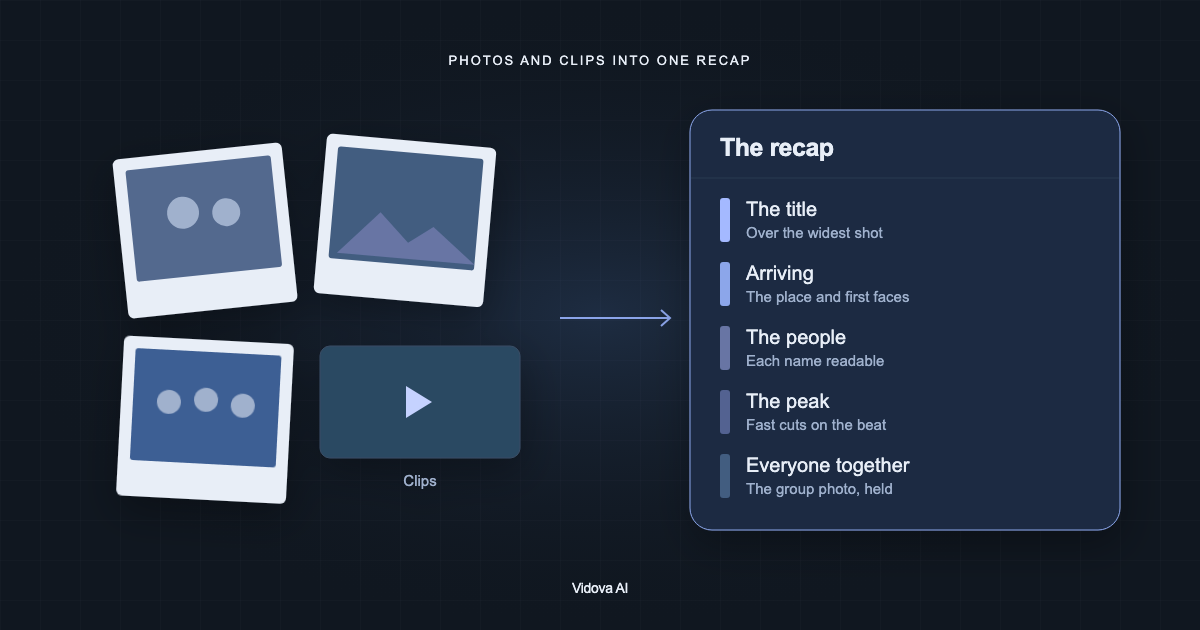
- Ask for photos too: warm-ups, the bench, the bus, the team after a win.
If you use Vidova from ChatGPT, Claude or another connected AI agent, ask it for an upload link. Anyone with the link can add videos, photos and audio to your project for 24 hours, with no account.
Give every player a moment
Every player in the room watches for themselves on the screen. A video of only the top scorers leaves half the team out.
- Write the roster: each player's name, number and position.
- Find one good moment for each player: a goal, a save, a block, a pass, a celebration or a laugh on the bench.
- Put each player's name on screen the first time they appear.
- Check the list against the cut before the night.
Vidova's agent searches your footage by what it shows, such as "every goal", "the bench celebrating" or "number 7 shooting". Footage of a team has many players in the same kit, so check that each moment shows the right player.
Make the season video in Vidova
- Open Vidova in your browser and upload the clips and photos.
- Write the brief: the team, the season record, the order of the games, the roster, the music and the length.
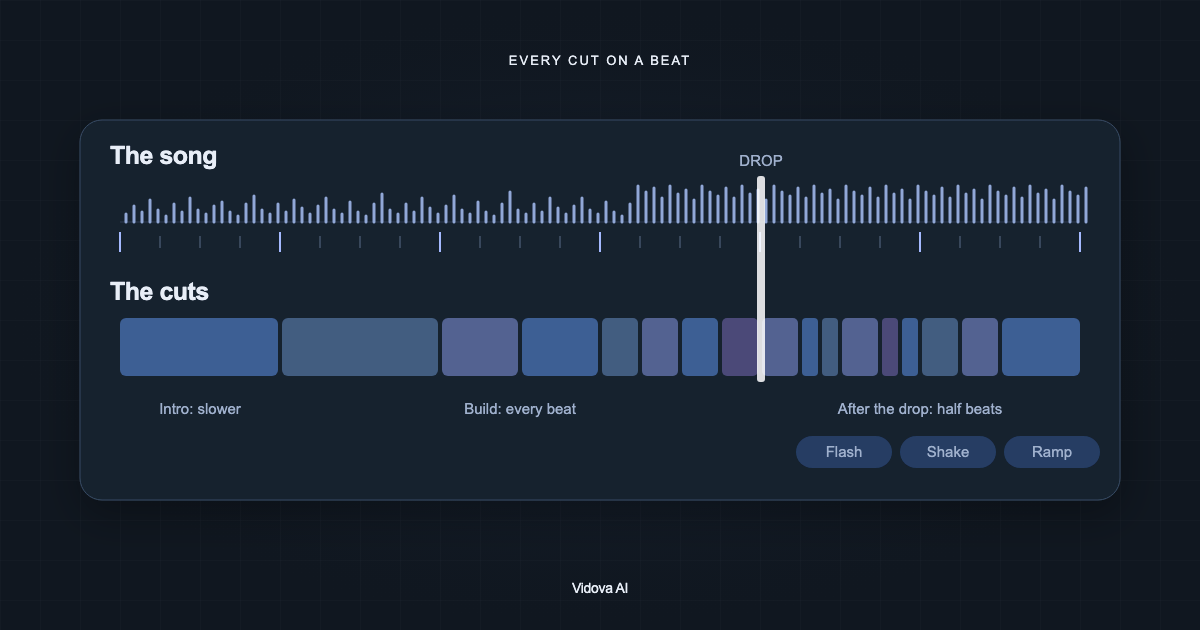
- The agent finds the plays, cuts them on the beat and builds the video on a real timeline, with names, scores and titles.
- It previews frames of its own cut and runs a quality check before it reports back.
- Ask for changes in plain words: "add the save from the semi-final", "more of the bench", "slow the last goal".
- Ask for the 9:16 version for Instagram, then export both as MP4.
Make a 4-minute 16:9 season video for the Eastside Eagles U12 soccer team from these clips and photos. Open on the team huddle before the first game with "Eastside Eagles · Fall 2026". Show the games in date order, with the score on screen after each one. Give every player on this roster at least one moment and show their name the first time: Ava 3, Leo 5, Sam 7, Noor 9, Eli 11, Maya 14. Slow the winning goal in the final. Upbeat music, cut on the beat. End on the team photo and "Thank you, coaches and parents".
This brief is an example. Use your own team's names and results. Vidova's template library also has templates made from real team and player edits, such as a hype video before the big game and a season mixtape of one player. Browse them in templates.
Music and privacy
- Music: a song played at a private banquet is not the same as a video posted in public. A public post can be muted or taken down after a copyright claim. Ask Vidova for an original track, or use music you have the rights to.
- Young players: many clubs, schools and leagues have a media policy. Check it before you post the video in public, and leave out any player whose family has not agreed.
- Faces you cannot show: Vidova can blur a face in the video, and our free face blur tool does it in the browser.
Questions about season highlight videos
How long should a sports banquet video be? 3 to 5 minutes. Longer videos lose the room, especially the younger players.
How do I get videos from all the parents? Ask early, ask for the original files, and give one place to send them: a shared folder, or a Vidova upload link from a connected AI agent.
Can AI find each player in the footage? It can search by what a clip shows, such as a jersey number or a goal. Players in the same kit look alike, so check every pick.
What music can I use? Music you have the rights to, or an original track made for the video. Avoid popular recordings in a video you post in public.
Can I make a highlight reel of one player? Yes. For a college recruiting video, see our guide to sports recruiting videos.
What does it cost? Every plan starts with a 7-day free trial with no watermark. Paid plans start at $29 a month.