Vidova
How to make a Christmas video from your family photos and clips with AI
Make a family Christmas video or a holiday card video from your phone photos and clips: what to pick, music you can use, and how Vidova's AI agent cuts it to the beat.
 Vidova team
Last updated
The short answer
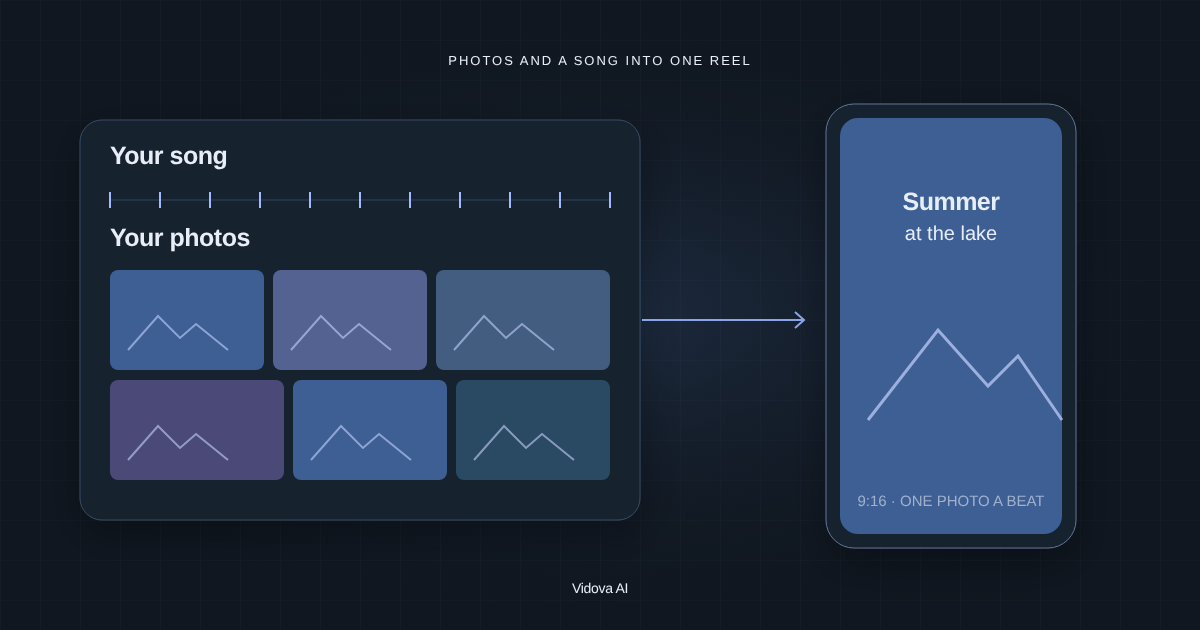
To make a Christmas video, pick 15 to 40 photos and short clips, choose one clip with real sound to carry the video, and keep it between 30 and 90 seconds. Use music you have the rights to, or a track made for the video. In Vidova you upload the photos and clips and describe the video you want. The AI agent builds it on a timeline you can change: the clips on the beat, slow moves on the photos and one title with the year.
Key takeaways
- One strong clip with real sound, such as the kids opening presents, carries the whole video.
- Pick fewer photos than you think: 15 to 40 is enough for 30 to 90 seconds.
- Popular Christmas recordings belong to their owners. Use a track you have the rights to, or one made for the video.
Kinds of Christmas videos to make
| Video | What goes in it | Shape and length |
|---|---|---|
| Holiday card video | The best photos and clips of the year with one line, such as "Merry Christmas from the Parkers" | 9:16, 20 to 40 seconds, for messages, Stories and Reels |
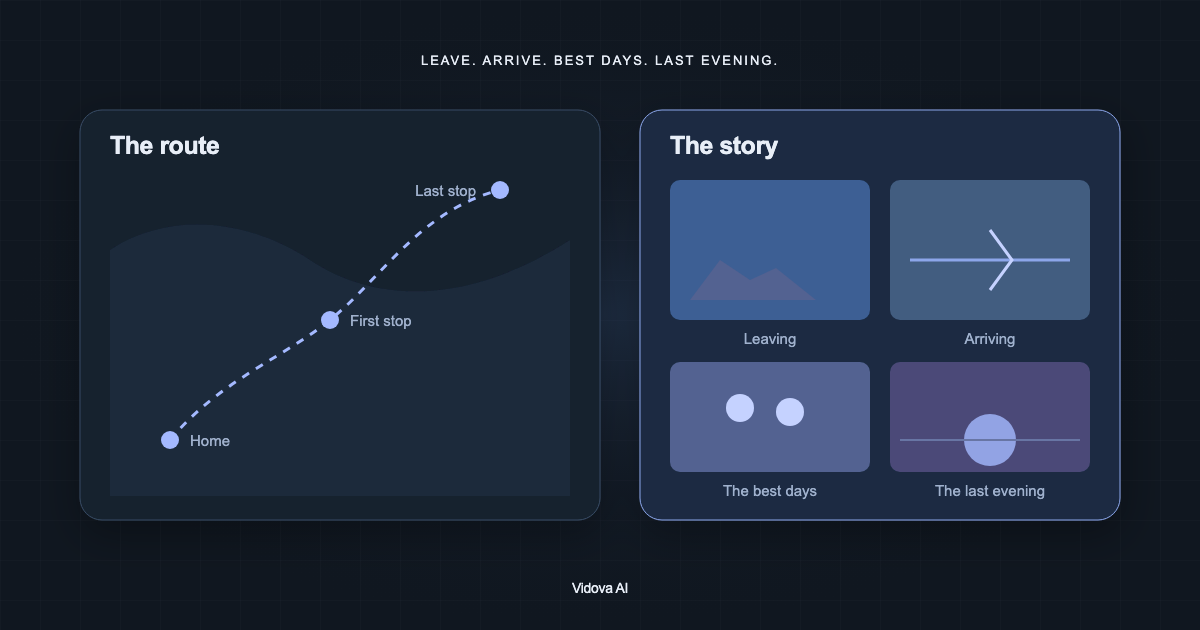
| Family year in review | One moment from each month, in order, ending on Christmas | 16:9 or 9:16, 60 to 90 seconds |
| Christmas morning film | Clips from the morning: stockings, presents, breakfast, the kids' faces | 16:9, 60 to 120 seconds, for the TV |
| Christmas through the years | Old Christmas photos next to this year's, the same people in the same places | 16:9, 60 to 90 seconds |
| A message for the grandparents | The kids talk to the camera, with photos between their lines | 9:16, 30 to 60 seconds |
Pick the photos and clips
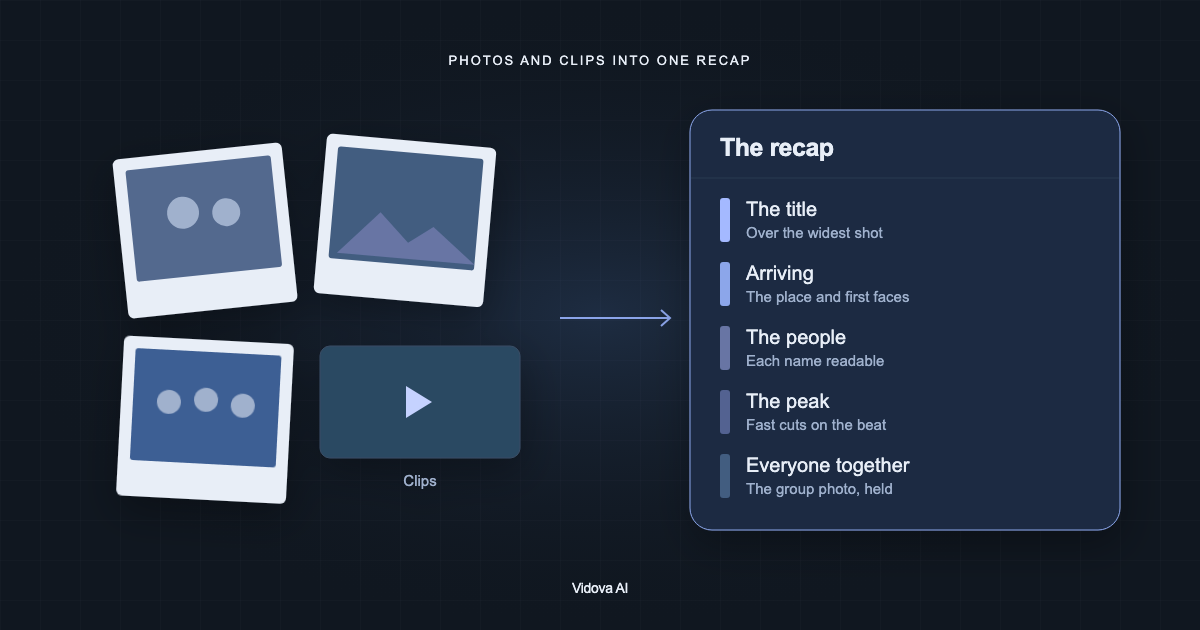
- Choose one spine clip: a clip with real sound and a peak, such as a present being opened, a laugh or a first step. The video opens and peaks on it.
- Pick 15 to 40 photos and short clips. Leave out near-duplicates and blurry shots.
- Mix wide shots and close shots: the whole table, then a face, then hands on a present.
- Put them in order. Order by date for a year in review. For a card video, order by feeling: calm, then busy, then the big moment.
- Scan old photos at a good size. Vidova can upscale a small image, but a sharp scan looks better.
Music you can use
Most famous Christmas songs are still owned by their labels and writers. A video you post in public can be muted or taken down after a copyright claim.
- Ask Vidova for an original track, for example "warm Christmas music with sleigh bells, 90 seconds". It is made for your video and uses credits.
- Upload a song you have the rights to.
- If you post on Instagram, you can add a song from Instagram's own music library in the app.
Our free AI music generator makes a short track in the browser.
Make the Christmas video in Vidova
- Open Vidova in your browser and upload the photos and clips. You can also send them to the Vidova bot in Telegram.
- Describe the video: who it is for, the length, the shape, the spine clip, the music and the words on screen.
- The agent builds the video on a real timeline. It can start from Vidova's Memories reel template: the strongest clip opens the reel with its real sound and comes back for its peak in slow motion, the other clips and photos cut in on the beat, and the music goes quiet under every real sound.
- It previews frames of its cut and runs a quality check before it hands it to you.
- Ask for changes in plain words: "more photos of Grandma", "slower", "end on the family photo".
- Export the MP4 and send it, or share a link from Vidova.
Make a 45-second vertical Christmas video for our family from these photos and clips. Open on the clip of Mia opening the big present, with her real laugh. Then the tree, the cookies, the walk in the snow and the photos from this year. Warm Christmas music, cut on the beat. Slow moves on the photos. End on the family photo by the tree with "Merry Christmas from the Parkers · 2026".
This brief is an example. Use your own names and words.
Send it in the right shape
- For phones, messages, Stories and Reels: 9:16, 1080 × 1920.
- For the TV at a family gathering: 16:9, 1920 × 1080 or larger.
- In WhatsApp, a video sent as a normal video can lose quality. Send it as a document to keep the full file.
- Before you post in public, think about the children in it. Vidova can blur faces you do not want to show, and so can our free face blur tool.
Questions about Christmas videos
What is the easiest way to make a Christmas video from photos? Upload the photos and clips to an editor that cuts them for you, describe the video in a sentence, and check the result. In Vidova you can ask for changes in plain words.
How long should a Christmas video be? 20 to 40 seconds for a card video you send on a phone, and 60 to 120 seconds for a film you watch together on the TV.
How many photos do I need? About one photo or clip for every two seconds. A 60-second video needs about 30.
Can AI animate old Christmas photos? Vidova can turn a still photo into a moving shot, but that motion is generated, and it can change faces and details. For family photos, ask for slow moves on the real photo and "no generated footage".
Can I make it on my phone? Yes. Vidova runs in the browser on a phone, and the Vidova bot in Telegram takes your clips. There is no iPhone or Android app yet.
Is it free? Every plan starts with a 7-day free trial with no watermark. Paid plans start at $29 a month.