 Vidova
App promo
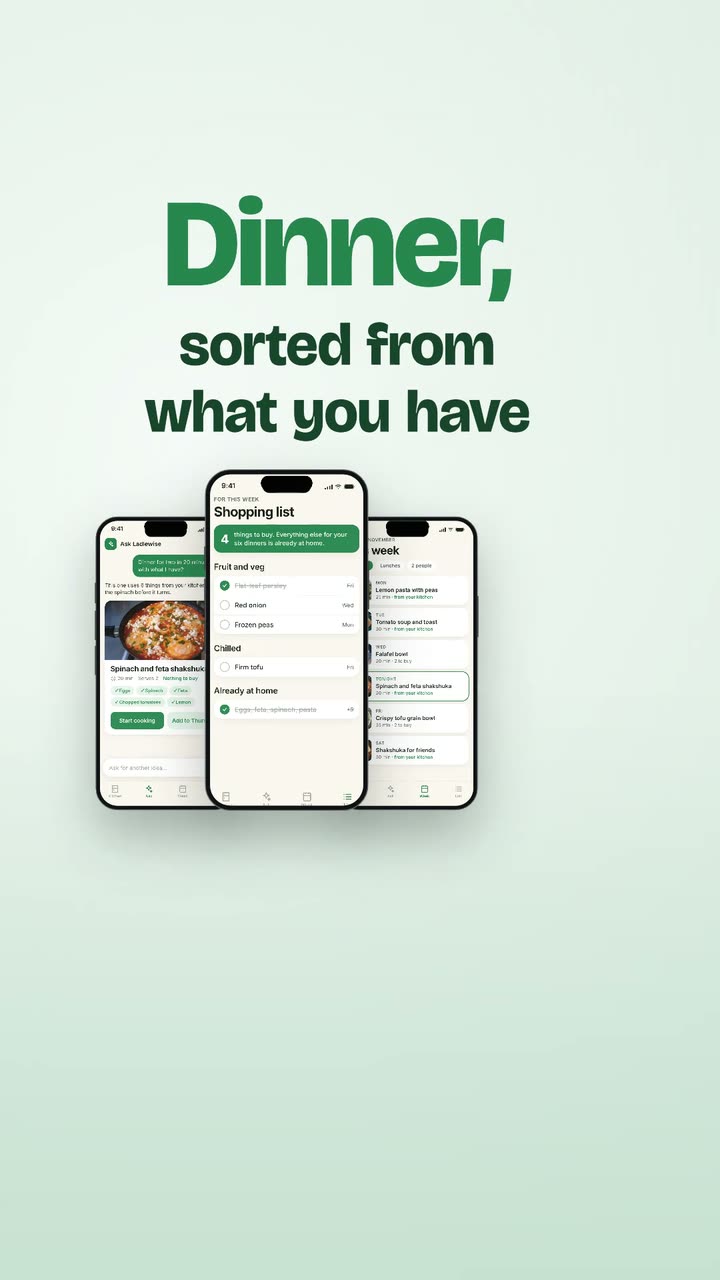
Upload screenshots or a screen recording of your app. Vidova builds a vertical launch video around your real screens, with your words cut on the beat of its own music.
What Vidova will do
Make a vertical promo video for my app from the screenshots or the screen recording I attached. Show only my real screens, as they are: never a made-up interface. Take the words from my answers, or from my website when I give one, and keep them short and plain. Make one original music track and land every scene change on its beats. Keep every word big enough to read on a phone and inside the social safe zone, and end on my app's name and where to get it. Look: Title cards. Import the launch-title-cards element and place it once over the whole film. Set its appName, tagline, hook, features and closeLine from my answers and brandColor to my brand colour. Set screen1 to screen3 to the screens that show each feature, in the order of the features, and screen4 to my app's home screen, or recording to my screen recording. Bind its beats to the music. Write the hook as one card line per line. Play the music from a downbeat so the hook sits on its quiet opening and my app's name lands on its first big hit.