 Vidova
Editorial explainer
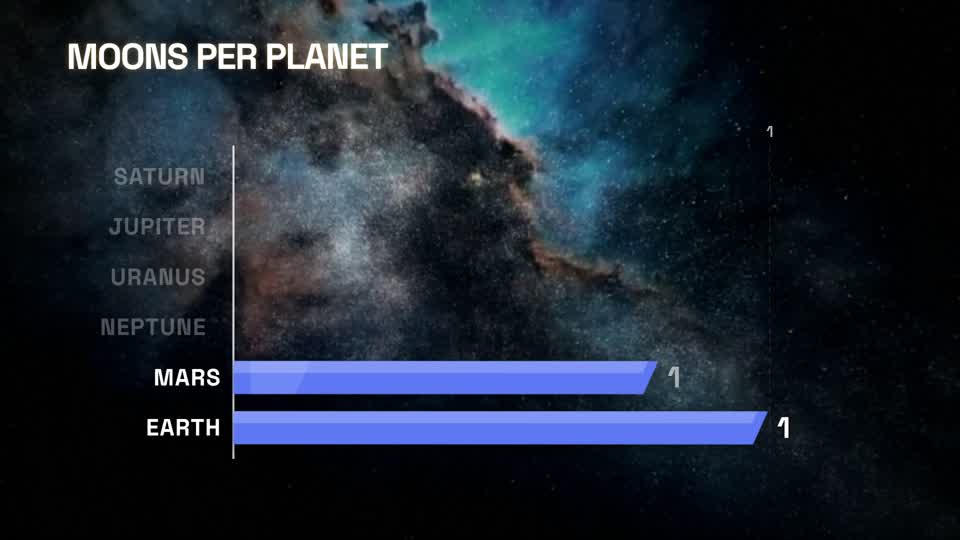
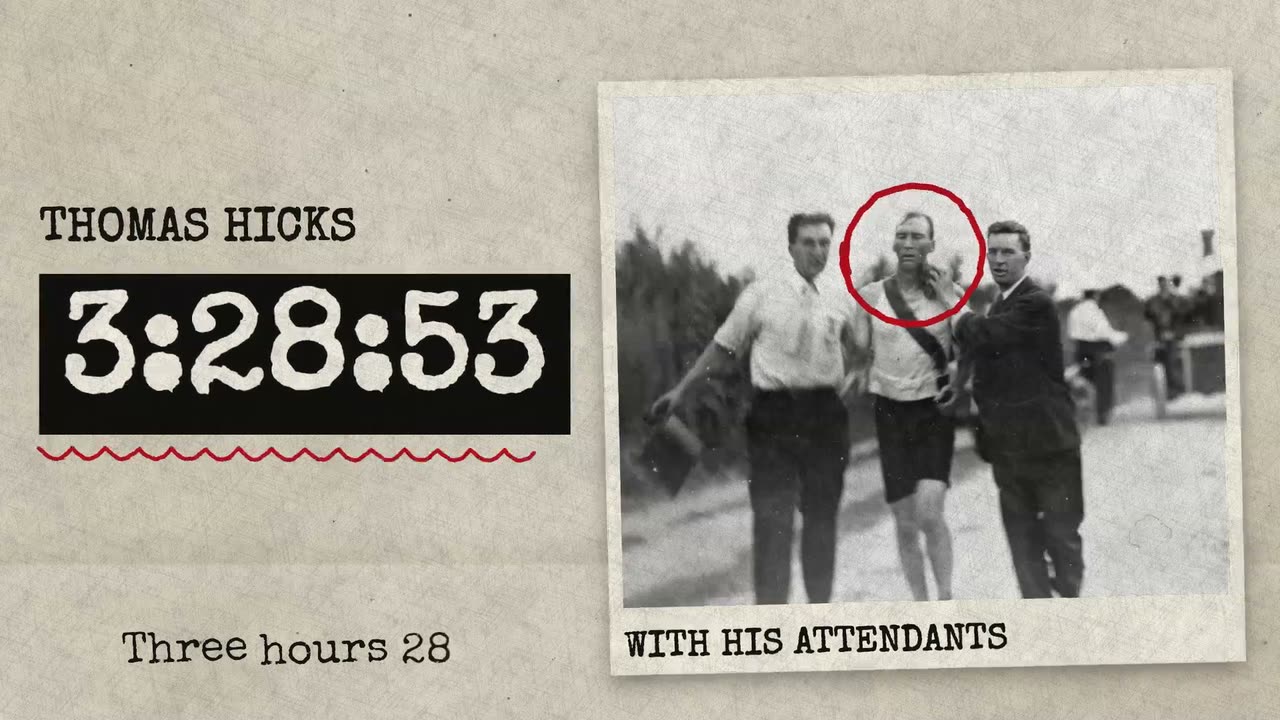
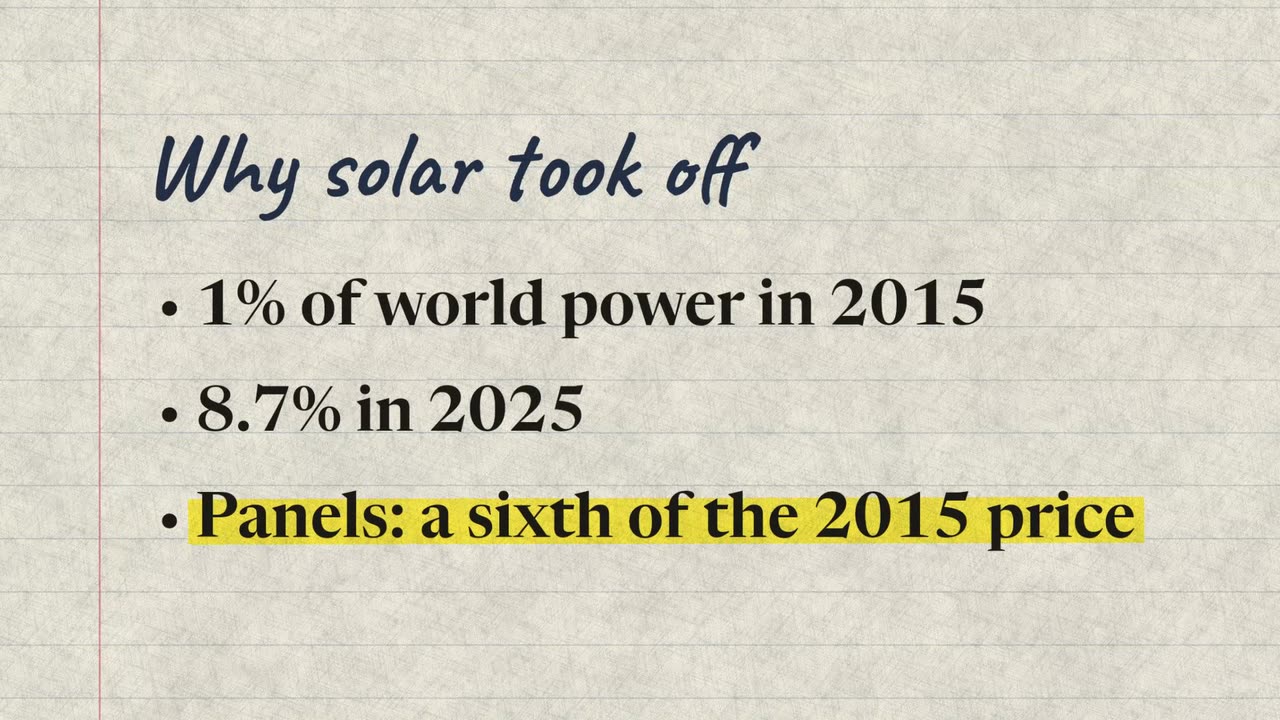
Carica un video in cui parli alla camera. Vidova inserisce pagine di taccuino, un grafico su carta con i tuoi numeri e un cartellino con il nome, come in uno speciale giornalistico, e evidenzia ogni frase chiave mentre la dici.
Cosa farà Vidova
Make my talking-head video into an editorial news explainer. Transcribe what I say and first cut out flubs, repeated takes and long pauses. Then cut full-frame pages in between my on-camera shots, each starting and ending in a pause of my speech while my voice plays on under it: a notes page with my key points, where the line I am talking about is marked on the word I say it; a paper chart of the numbers I give, built on the words I say them, with their source written on it; and a name card on my first on-camera shot. Use only numbers I give or that you find with a source. Keep my footage and my voice as they are, keep every word big enough to read on a phone, and end on me talking. Editorial look: Notebook. Import the explainer-notes, explainer-chart and explainer-name-card elements, set look to notebook on each and bind their segments to my video's transcript. Put the paper-texture element (kind paper) on a track above each page for the same time.