 Vidova
Editorial explainer
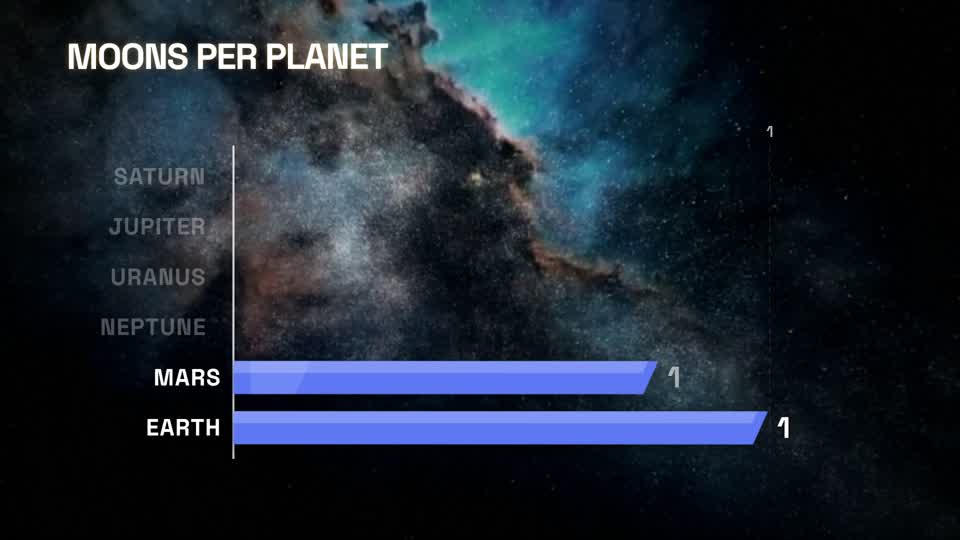
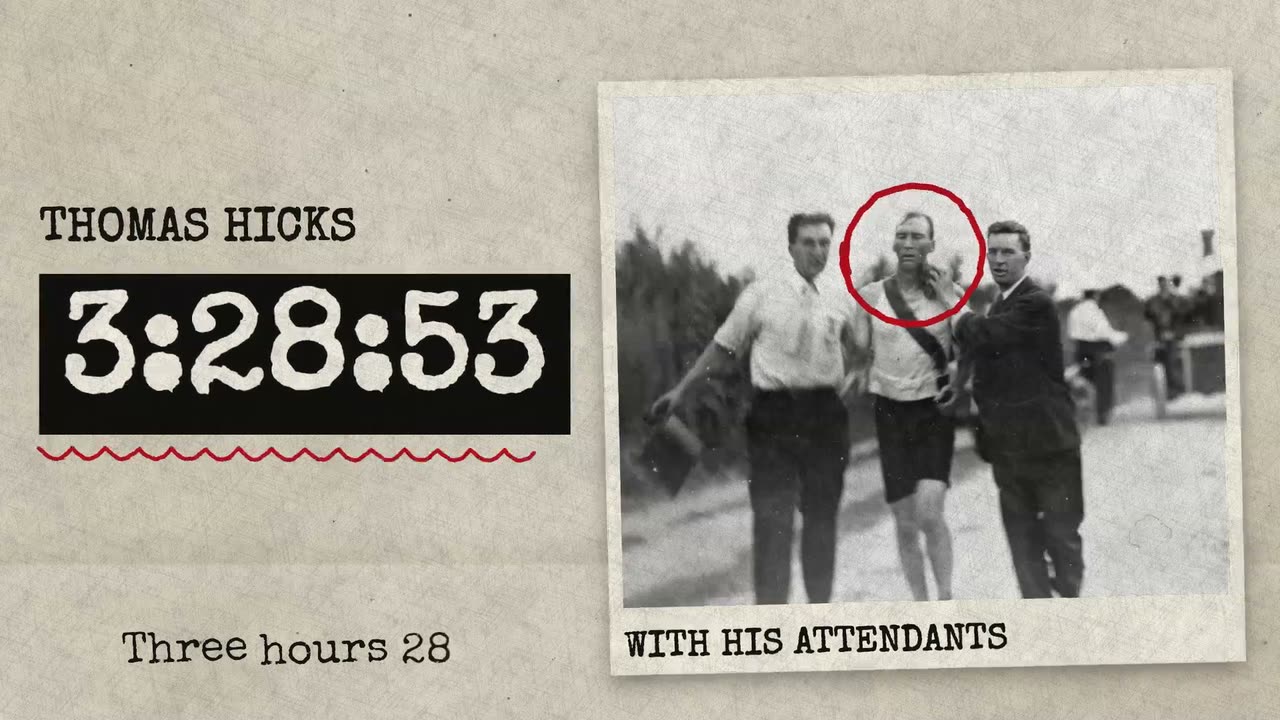
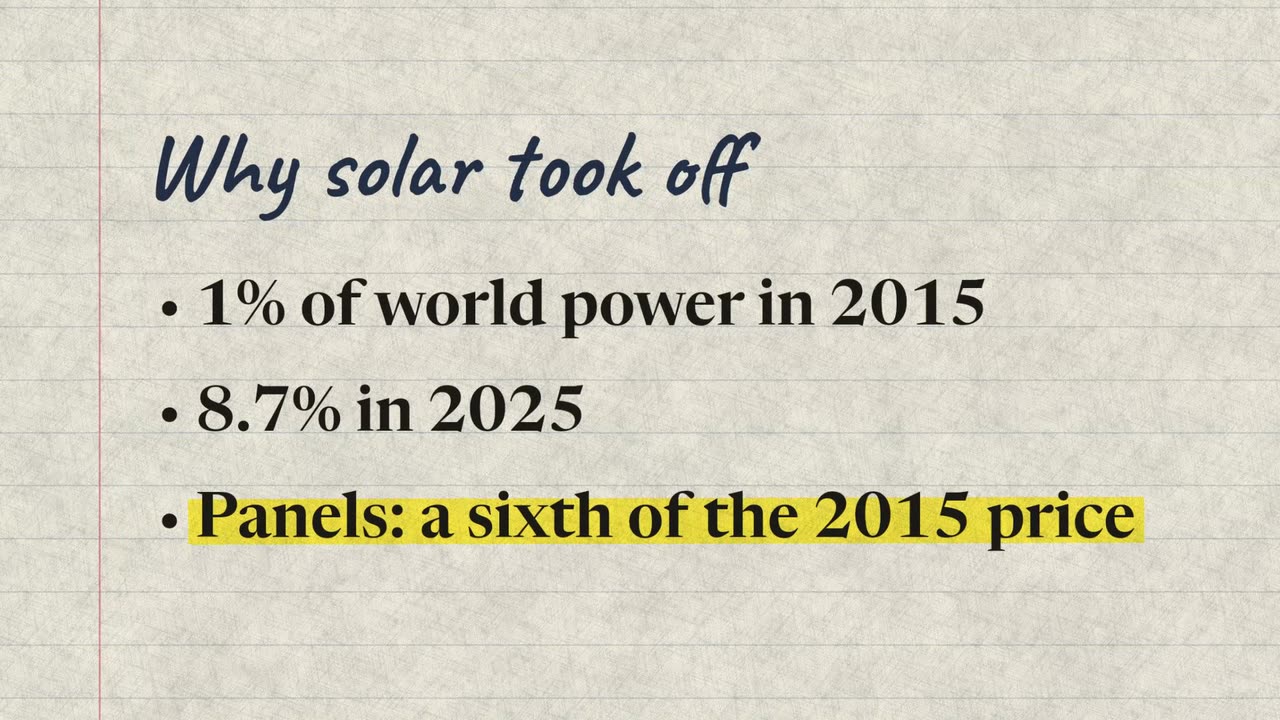
Importez une vidéo où vous parlez face caméra. Vidova insère des pages de carnet, un graphique sur papier de vos chiffres et une carte de nom, comme dans une vidéo explicative d'actualité, et souligne chaque phrase clé au moment où vous la dites.
Ce que Vidova va faire
Make my talking-head video into an editorial news explainer. Transcribe what I say and first cut out flubs, repeated takes and long pauses. Then cut full-frame pages in between my on-camera shots, each starting and ending in a pause of my speech while my voice plays on under it: a notes page with my key points, where the line I am talking about is marked on the word I say it; a paper chart of the numbers I give, built on the words I say them, with their source written on it; and a name card on my first on-camera shot. Use only numbers I give or that you find with a source. Keep my footage and my voice as they are, keep every word big enough to read on a phone, and end on me talking. Editorial look: Notebook. Import the explainer-notes, explainer-chart and explainer-name-card elements, set look to notebook on each and bind their segments to my video's transcript. Put the paper-texture element (kind paper) on a track above each page for the same time.