 Vidova
Red pen on the record
Unggah video Anda berbicara ke kamera. Vidova menyisipkan halaman arsip dengan foto asli, dan pena merah melingkari, mencoret, dan menulis ulang setiap angka saat Anda menyebutkannya. Cocok untuk sejarah dan pengecekan fakta.
Yang akan dilakukan Vidova
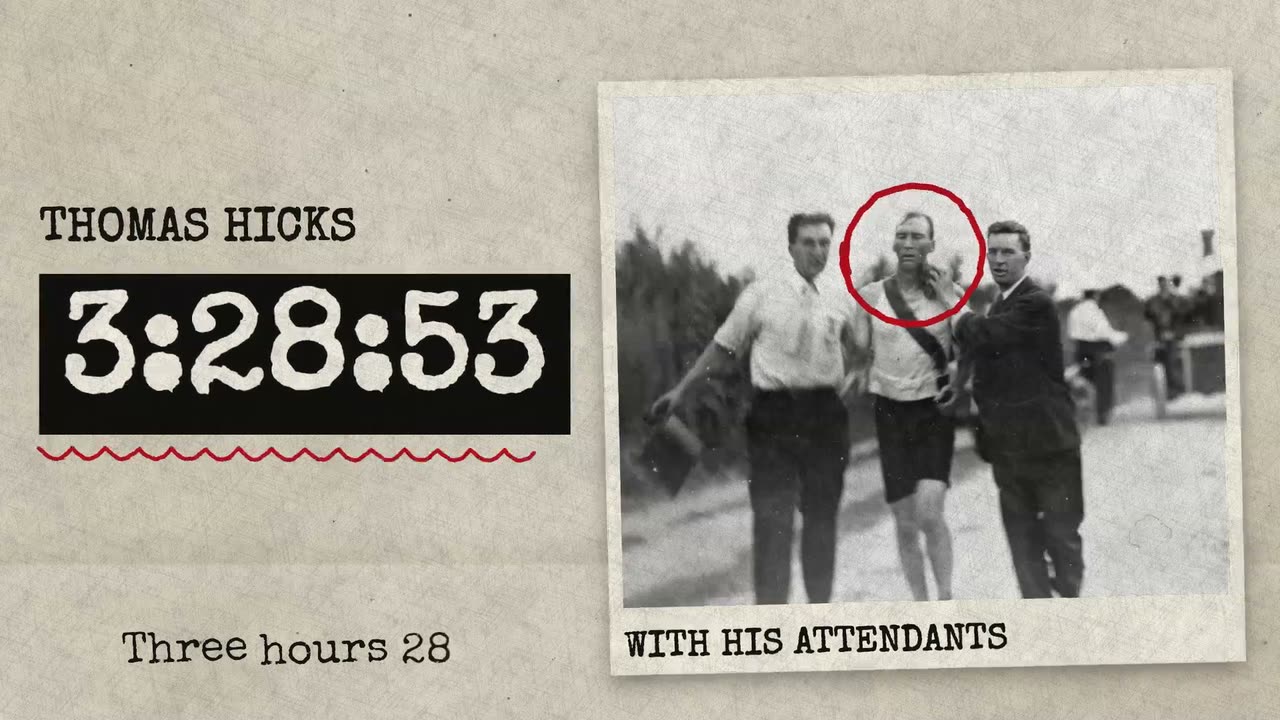
Make my talking-head video into a history, investigation or fact-check explainer in which one red pen corrects the record as I talk. Transcribe what I say and first cut out flubs, repeated takes and long pauses. Find the figures and names the story turns on, above all a figure I correct, and use only figures I give or that you can read in two sources. Cut archive pages in between my on-camera shots with the archive-fact-page element, each starting and ending in a pause of my speech while my voice plays on under it: a short typed fact, a figure that counts up and lands on the word I say it, a red wavy line under it, and beside it a picture of what I am talking about, with a red ring round the detail I name, on the word I name it. For history, use only real public-domain photographs with a named source (Wikimedia Commons has many), or the pictures I attached: never a generated picture shown as a historic photograph. When there is no real picture, leave the picture out and let the figure take the page. On camera, type one figure or name beside me with the red-pen-figure element, in the empty part of the frame and never over my face: the pen circles it, strikes it and writes the right value beside it, each on the word I say it. Mark only a figure or a name I say. Give each on-camera shot a slow push toward my face, and cut only in pauses of my speech. Make one quiet original music track that plays through the whole film under my voice, add a soft pen scratch on each mark and one typewriter key on each landing, caption every word I say with the script-captions element bound to my voice's transcript, in the same type as the look with lowercase off, low in the empty part of the frame and never over my face, in light ink on footage and in dark ink with its shade at 0 on a light page, keep my footage and my voice as they are, keep every word big enough to read on a phone, and end on me talking. Red pen look: Archive paper. First import the typewriter font Special Elite with import_asset_url from https://raw.githubusercontent.com/google/fonts/main/apache/specialelite/SpecialElite-Regular.ttf and set typeFont to Special Elite on both elements. Import the archive-fact-page and red-pen-figure elements, set look to archive on each and bind their segments to my voice's transcript. Put the paper-texture element (kind paper) on a track above each page for the same time.