 Vidova
Whiteboard talk
Importez une vidéo où vous parlez face à la caméra. Vidova insère des pages de papier où un marqueur écrit chaque mot au moment où vous le dites, et un schéma simple se dessine tout seul. Fonctionne mieux avec une seule personne et un son clair.
Ce que Vidova va faire
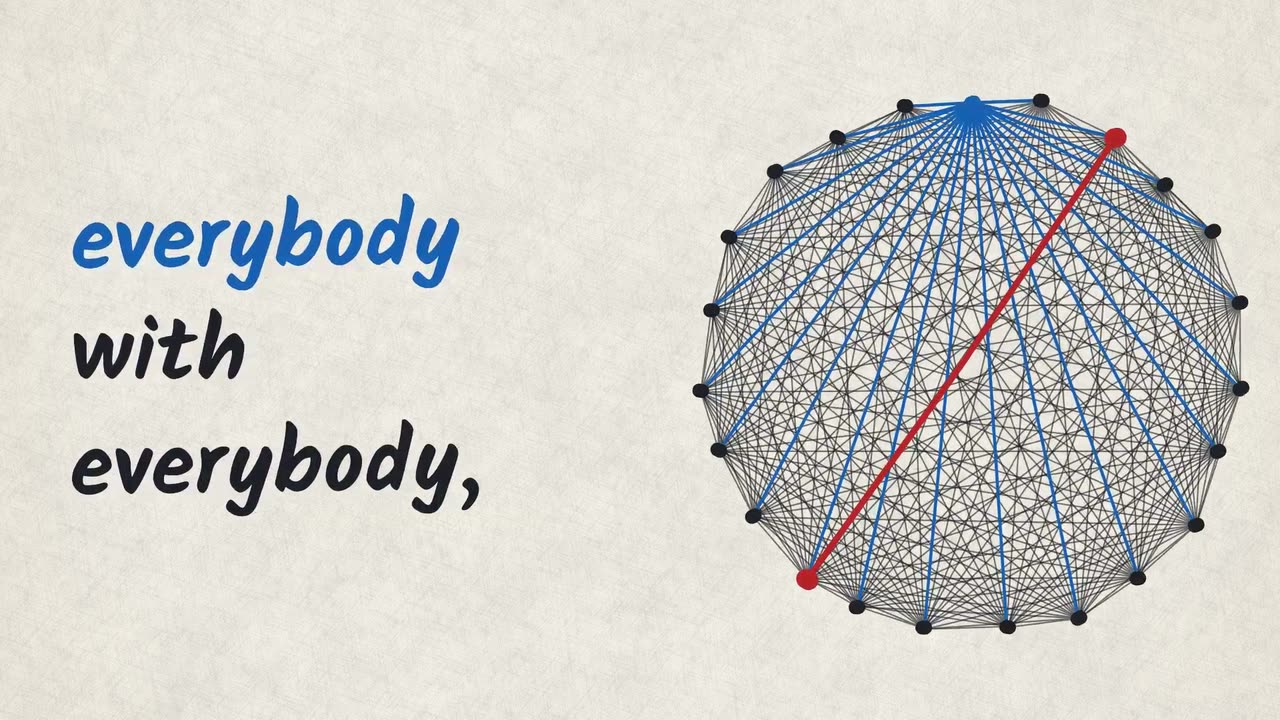
Turn my talking-head video into a whiteboard talk: a marker writes what I say as I say it, on paper pages cut in between my on-camera shots, and one simple diagram draws itself as I explain. Transcribe what I say and first cut out flubs, repeated takes and long pauses, cutting only in pauses of my speech. Work out the one idea I am explaining and the one picture that shows it. Cut between me on camera and full-frame pages made with the marker-page element, each cut hard and in a pause of my speech, with my voice playing on under the page, one or two pages in every 15 seconds, and end on me talking. Write every word I say in the notes of its shot, in the order I say it, so the writing is the captions: add no other caption track and write no word twice. A shot that carries on across a cut starts its earlier rows with ~. Keep rows short and big: at least 72 px on a page and 48 px as it shows on screen, whole inside the frame. Put the figure I land on in a large row of its own, in the marker colour. Add a mark only on what my voice names: a ring on the figure I land on, a strike on what I correct, on the word I correct it, an underline on the word I lean on, an arrow from one word to the word it leads to. Pick the diagram from what I say: web when everything connects to everything, or when I count pairs or links; bars when I compare numbers; none when neither fits, and then the words fill the page. Use only figures I give or that you can read in two sources. A diagram that carries over a cut starts drawn, with its At inputs below 0. On camera, set page to false on the marker-page clip. When a whiteboard shows in my footage, track_plane it and pin the clip to it with fit contain, aspect auto and blend multiply, at about twice the size you want on screen. A blank board tracks badly: if my camera does not move and the corners shake, hold them still with edit_track. Rotoscope anyone who passes in front of the board with track_occluders. When no board shows, put the ink on the plain side of the frame, never over my face, and set inkColour and shade so every word reads at 4.5:1. Give each on-camera shot a slow push toward my face, and punch in on a cut in the pause where I turn the argument. Make one quiet original music track that plays through the whole film under my voice, and add a soft pen scratch on the few strokes that matter: the big figure, a strike, the diagram. Keep my footage and my voice as they are. Marker look: Marker paper. Import the marker-page element, set look to marker-paper on every clip of it and bind its segments to my voice's transcript. Put the paper-texture element (kind paper) on a track above each page for the same time.