 Vidova
Type behind you
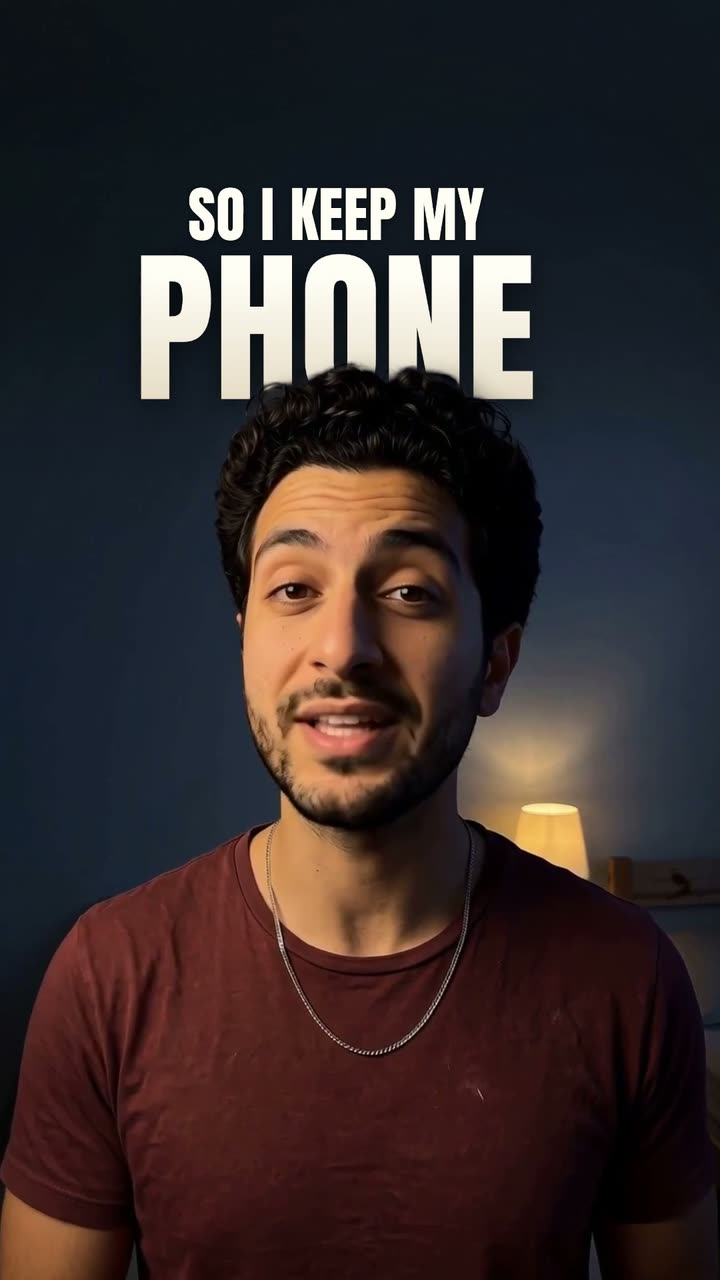
Sube un video en el que hablas a la cámara. Cada palabra que dices aparece en grande en la pared a tus espaldas, y tú te quedas delante. Funciona mejor con la pared despejada sobre tu cabeza.
Lo que hará Vidova
Put my words behind me in my talking-head video: every word I say stands big behind me, and I stay in front of the words. Transcribe what I say and first cut out flubs, repeated takes and long pauses, cutting only in pauses of my speech. Make a person matte of each shot with cutout_subject and look at it round my hair and hands. Put one clip of the type-behind element over each shot, with the same start, length, grade and motion keys as the shot, its footage and matte bound to that shot, footageFrom set to the shot's offset and its segments bound to my voice's transcript. The element's words are the film's only captions, so add no other caption track. Write its cues so every word I say is on screen once, in the order I say it, with no gap while I talk: a short lead line of under about 22 letters, then the one word that matters as the key, last in its caption. Choose short key words, because short words are the biggest, and hold each key at least a third of a second. Read the top of my head from a frame and set headTop to it, so my head covers only the foot of the key word and never hides its middle. Words never go on my face. When my head leaves too little wall above it for the words, scale the shot up from the frame's top edge, which lowers my head in the frame, and when that is not enough, tell me in one line. On a vertical video keep the words inside the social safe zone with topLimit, offsetX and maxWidthPx, divided by the shot's last scale. On a wide video set them to keep the words 40 px inside the frame, and keep the wide shape. Measure the words against the wall behind them and raise shade and shadeReach until they read at 4.5:1. Give each shot a slow push that keeps the top of my head in place, one direction per shot, and start a shot after a cut larger than the last one ended. When I name one thing you can show, cut once to a short shot of it under my running voice, from my own footage or generated, with the words behind that thing the same way: cut it out by name with cutout_subject, and set headTop to the top of it. Make one quiet original music track that plays through the whole film under my voice. Keep my footage and my voice as they are, keep every word big enough to read on a phone, and end on me talking. Type look: Tall white. Import the type-behind element and set look to tall-white on every clip of it.